
Overview
To manage hen data, you will need to use hen list screen.
Hen list screen is located inside master data menu and under hen tab
Adding a New Hen
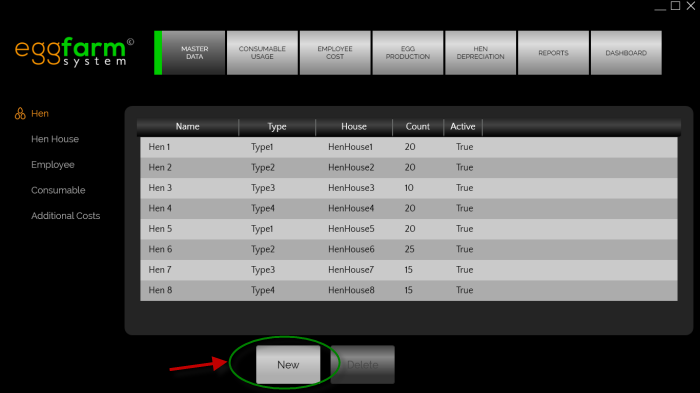 To add a new hen entry please press the "New" button in hen list screen.
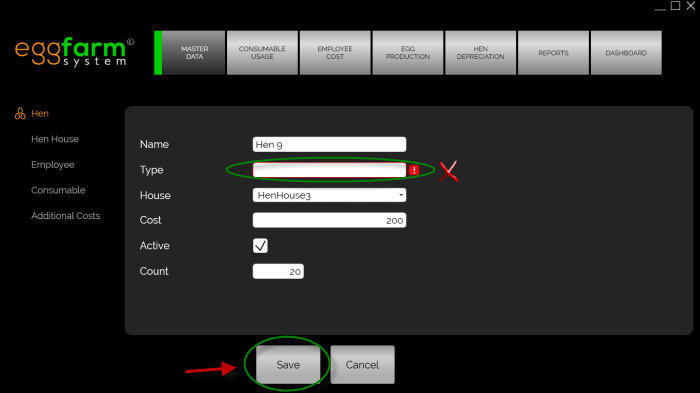 Please fill the fields with the hen detail and ensure there is no warning sign.
Press the save button once you've finished editing.
Editing Hen Data
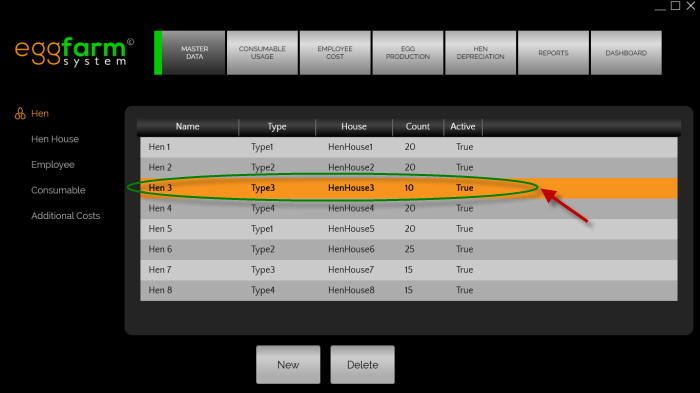 To edit a hen data, please double click the corresponding item in hen list screen.
Deleting Hen Data
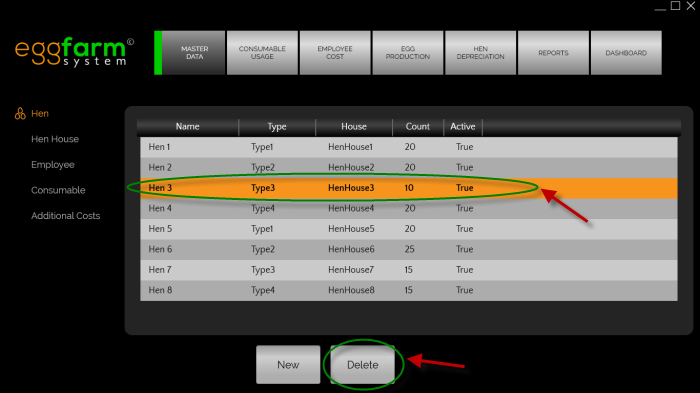 To delete a hen data, please select the hen data in hen list screen then press the delete button.